AI content repurposing for creators, newsletters, and agencies
Turn long videos, podcasts, and articles into ready-to-publish content packs.
Paste a YouTube link, podcast RSS, Spotify/Apple Podcasts link, or article URL. Get LinkedIn carousels, X visual threads, Meta Social Packs, newsletter emails, quote cards, and client-ready reports — all connected to source evidence.
1 source → 18+ assets
7 content pack types
Source-backed outputs
PDF / PNG / HTML exports

What you get
One source. A complete multi-channel content pack.
Turn a long video, article, or research source into visual and written assets your audience can actually read, trust, and share.

LinkedIn Carousel
8-slide visual carousel designed for LinkedIn document posts.
PDF exportPNG pagesReady to post
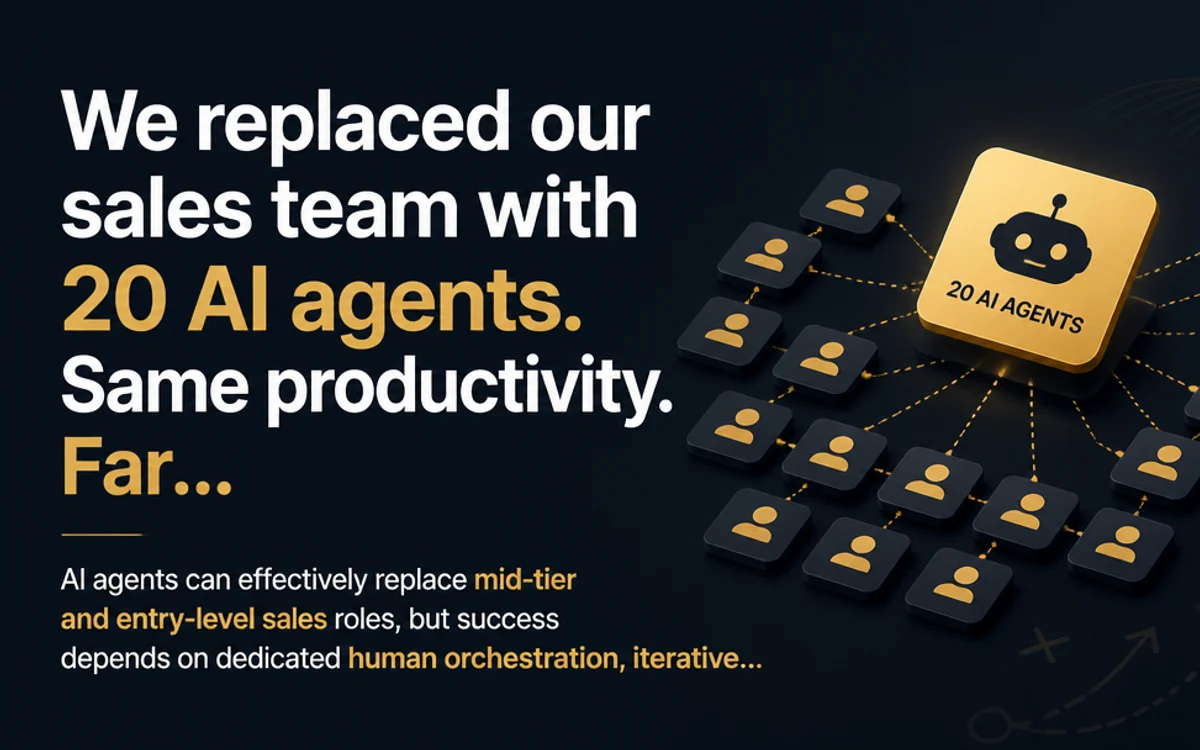
X Visual Thread
A ready-to-post X thread with a cover image, framework card, and quote card.
Thread copyCover imageQuote card

Newsletter / Email
HTML email, markdown, plain text, subject lines, preview text, and supporting visual assets.
Also useful for Newsletter / Email (EDM) workflows.
HTML emailMarkdownPlain text
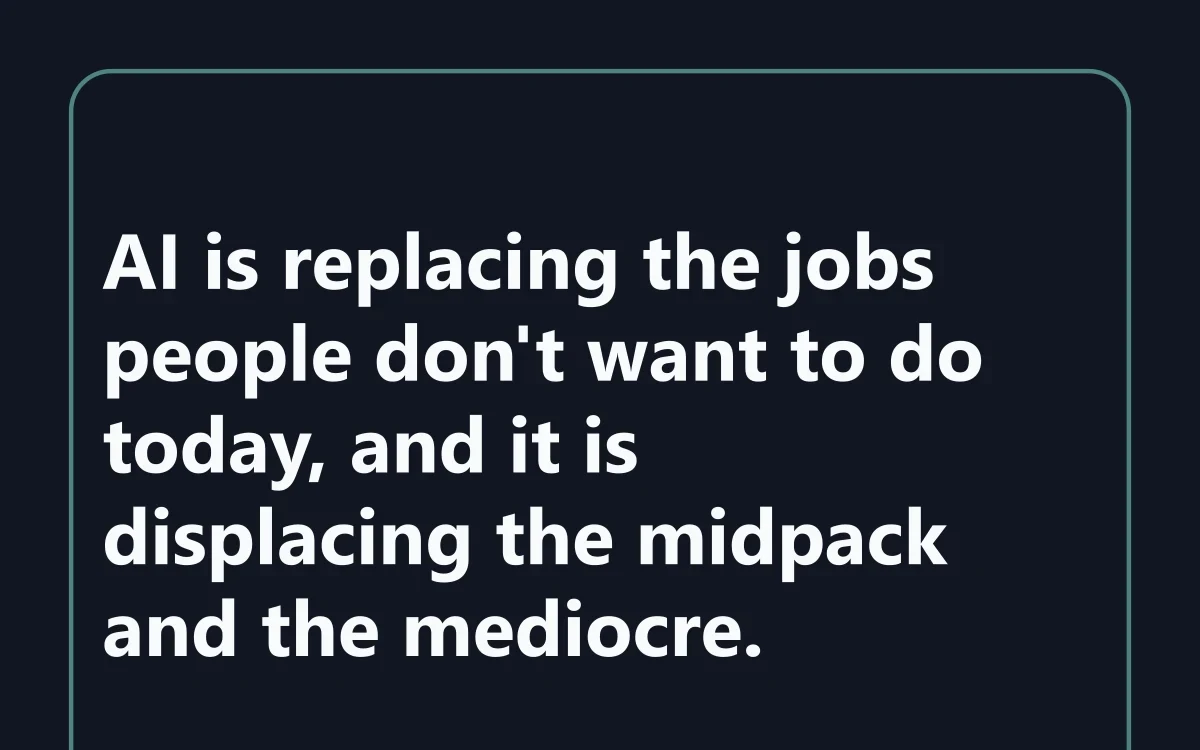
Quote Cards
Source-backed quote cards for LinkedIn, X, newsletters, and client decks.
PNG cardsTimestampedVerified quotes
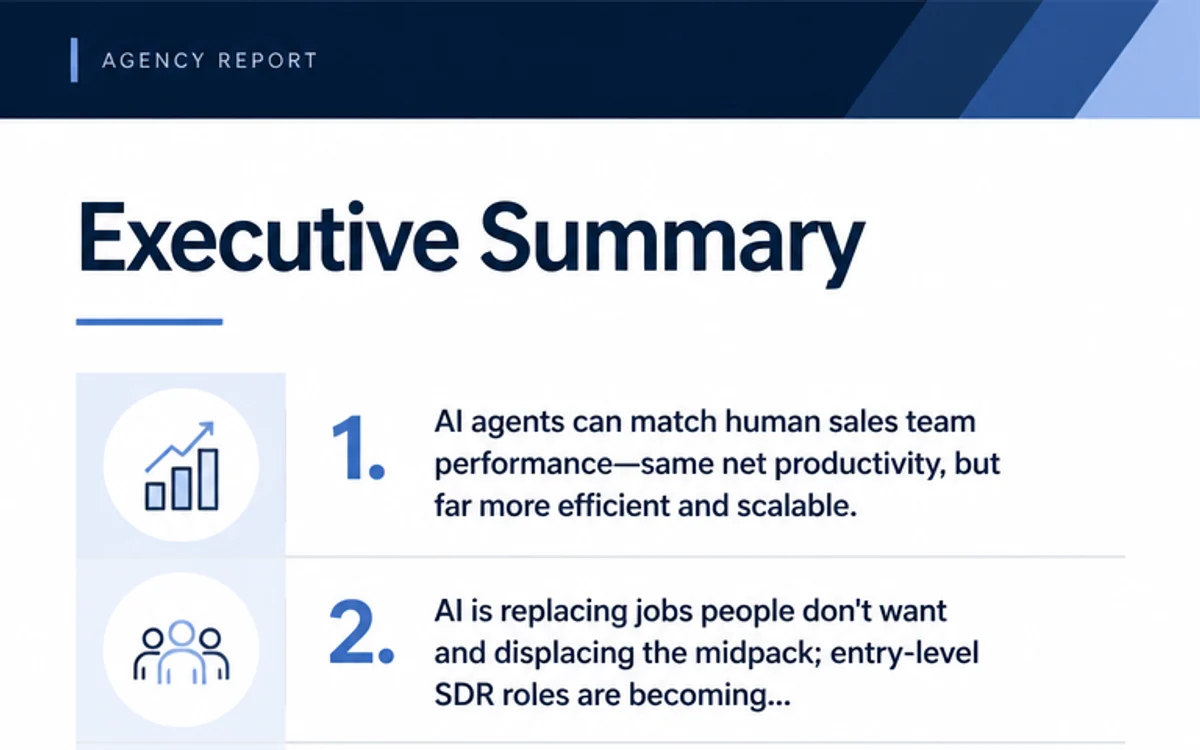
Agency Report
Client-ready strategic brief with executive summary, visual pages, recommendations, and source appendix.
PDF reportHTML reportClient-ready
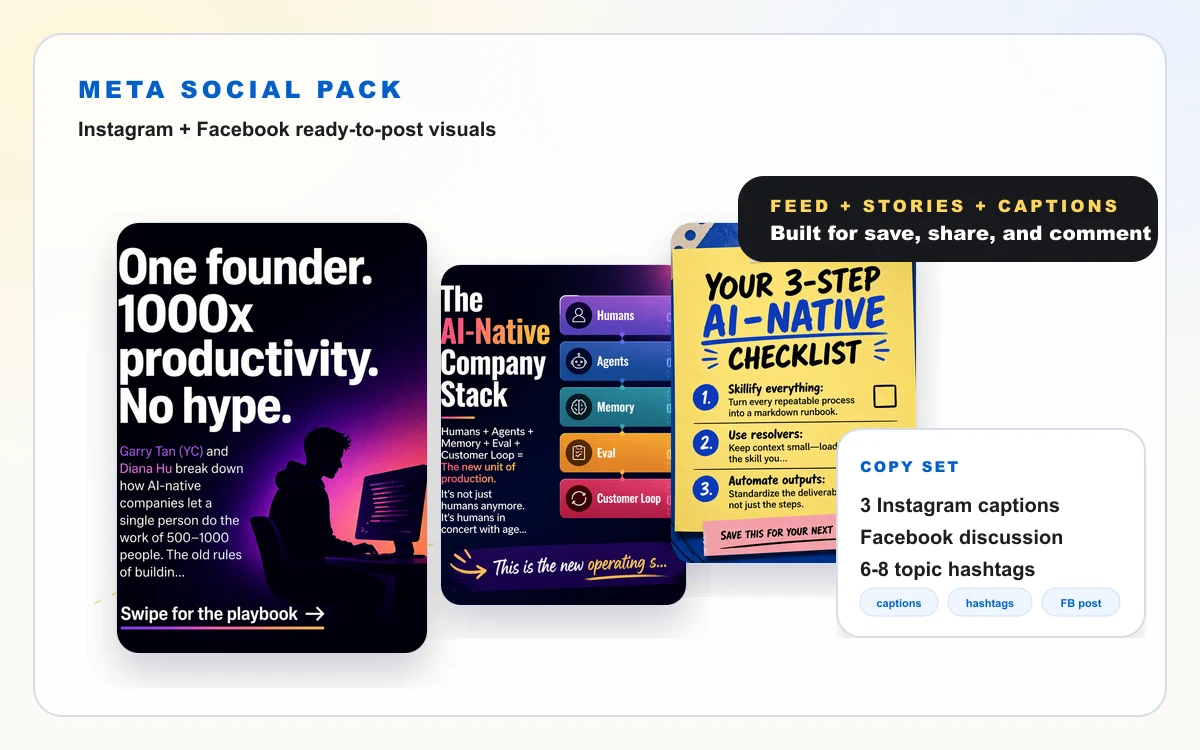
Meta Social Pack
Instagram & Facebook ready-to-post visuals and captions.
Feed carouselStory cardsCaptions
Credible by design
Built for content that needs to be trusted.
AI content is only useful if your audience can trust it. SalesGrow AI connects ideas, quotes, and data points back to source evidence.
Every publishable asset is connected to source evidence, timestamps, or verification labels, so human review becomes faster and safer.

Verbatim quotes are checked against transcript evidence before becoming visuals.
Important claims stay tied to timestamps, paragraphs, or URLs in the original source.
Quality and verification labels help users decide what is ready to ship.
Product demo
Watch a 1-hour source become a full content delivery pack.
Paste a URL, choose output formats, generate visual assets, review source evidence, and download everything in one package.
Use cases
Use one workflow across creator, newsletter, and agency workflows.
Start with the publishing job you need to finish, then choose the workflow that fits your content team.
For creators
Before: Watch the full video, take notes, write posts, design visuals.
After: Get a LinkedIn carousel, X visual thread, quote cards, and posting plan.
For newsletter writers
Before: Summarize the source, write the email, format the layout, add visuals.
After: Get subject lines, preview text, HTML email, markdown, plain text, and supporting visuals.
For agencies
Before: Manually turn a client source into strategy notes, report pages, and social assets.
After: Get a client-ready report, visual brief, source appendix, and multi-channel repurposing plan.
Sample industry workflows
See how different industries turn long sources into content packs.
From AI founder interviews to ecommerce webinars, SalesGrow AI helps creators and teams turn long-form knowledge into publish-ready assets.
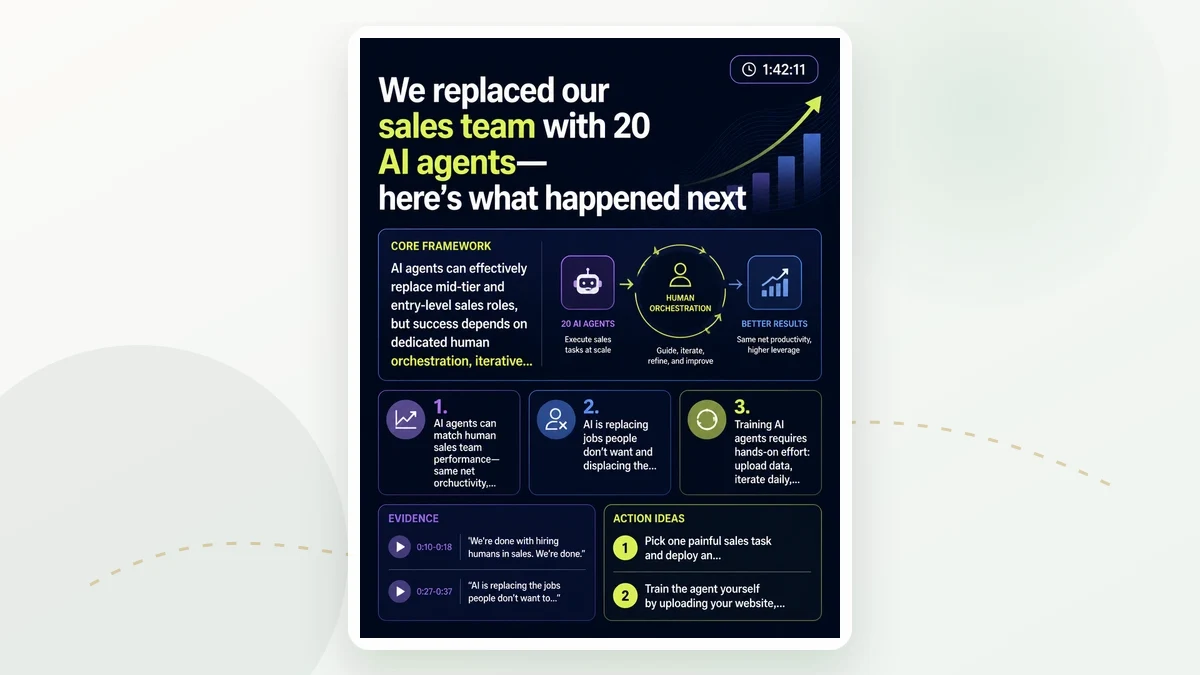
AI & SaaS
Turn an AI founder interview into a week of thought leadership.
- Source type
- YouTube founder interview / podcast
- Example source
- A 90-minute founder interview about AI agents, product strategy, or go-to-market.
- Who uses it
- AI newsletter writers, SaaS founders, product marketers, LinkedIn creators.
- Outputs generated
- LinkedIn carousel, X visual thread, newsletter email, quote cards, source evidence.
- Time saved
- From 5–7 hours to under 60 minutes.
- Why it works
- AI and SaaS audiences want clear frameworks, product lessons, and source-backed insights they can share quickly.
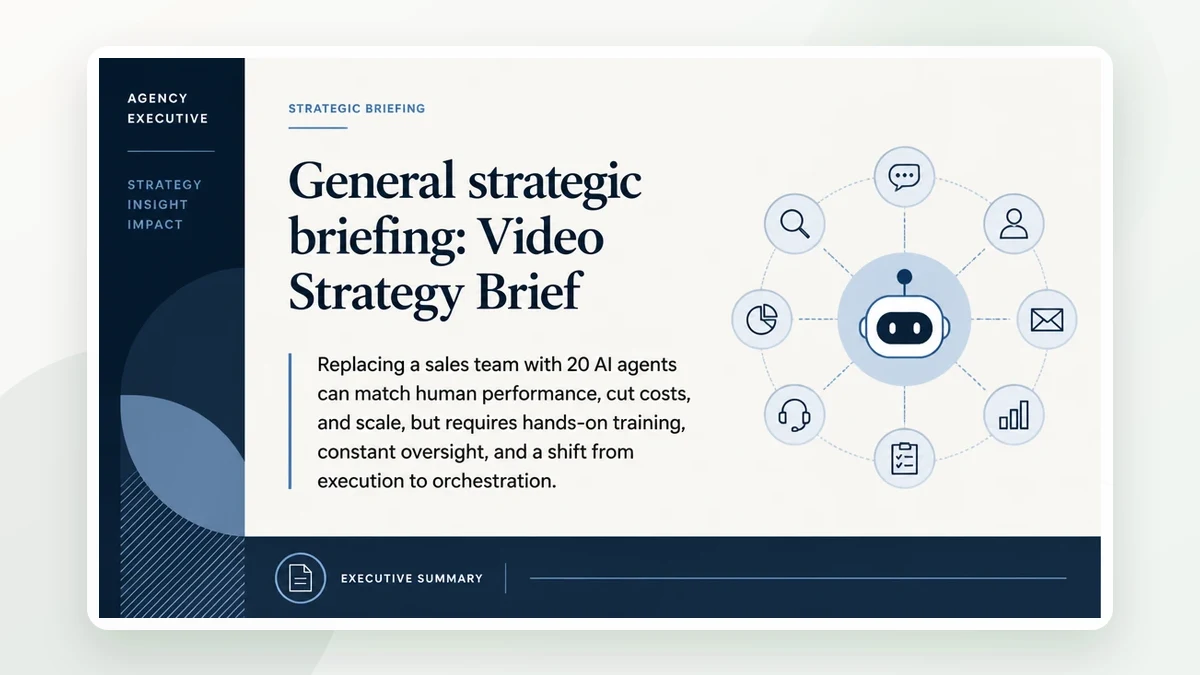
Finance & Leadership
Turn a business podcast into executive content assets.
- Source type
- Business podcast / leadership interview
- Example source
- A long-form interview with a CEO, investor, or business leader.
- Who uses it
- Business creators, finance newsletters, leadership coaches, executive ghostwriters.
- Outputs generated
- Executive visual brief, LinkedIn carousel, quote cards, newsletter issue, agency report.
- Time saved
- From 6–8 hours to around 90 minutes.
- Why it works
- Business audiences value frameworks, quotes, case studies, and credibility. Source evidence makes the content easier to trust.
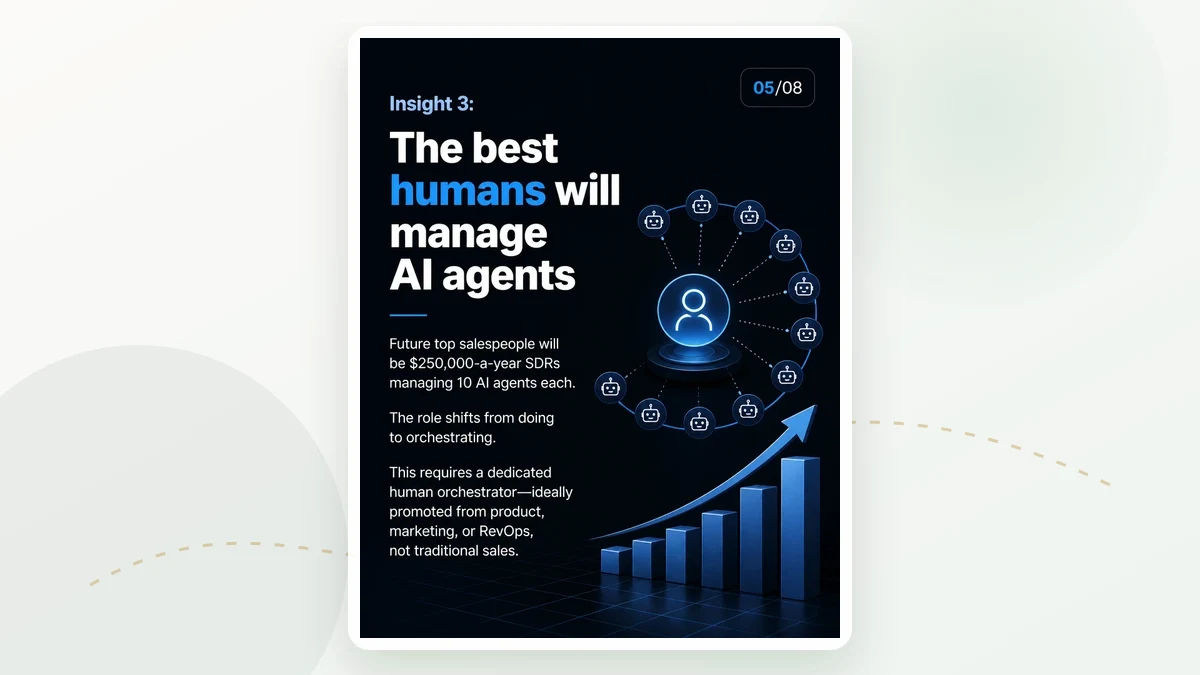
Ecommerce & DTC
Turn a product webinar into social, email, and sales content.
- Source type
- Product webinar / customer education video
- Example source
- A 45-minute webinar explaining a product category, customer pain points, and buying tips.
- Who uses it
- Ecommerce operators, DTC brands, Amazon sellers, brand marketers, content teams.
- Outputs generated
- Educational carousel, X thread, LinkedIn post pack, newsletter email, quote cards, sales FAQ brief.
- Time saved
- From 4–6 hours to under 60 minutes.
- Why it works
- Product education content can be reused across email, social, product pages, and sales enablement.
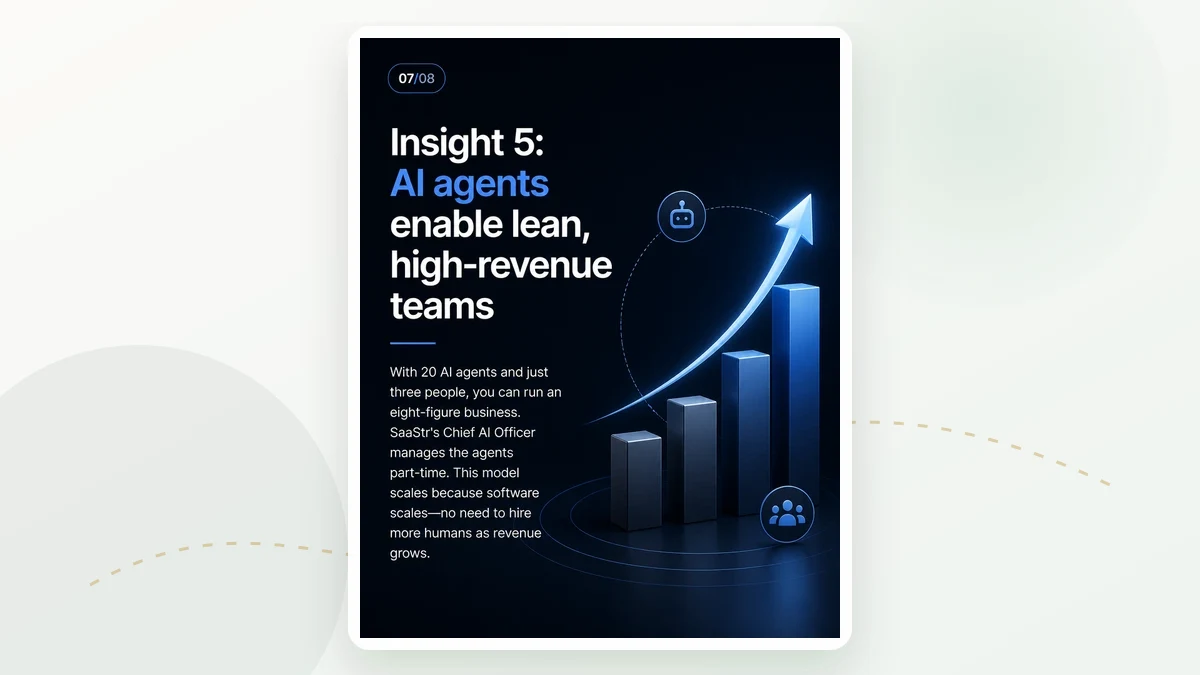
B2B Services
Turn a client webinar into a client-ready content package.
- Source type
- B2B webinar / expert session
- Example source
- A 60-minute webinar with a consultant, subject matter expert, or client success team.
- Who uses it
- Consulting firms, B2B agencies, professional service providers, webinar teams.
- Outputs generated
- Agency report PDF, executive summary, LinkedIn carousel, newsletter email, source evidence appendix.
- Time saved
- From 1 full working day to around 90 minutes.
- Why it works
- B2B teams need to turn expert knowledge into polished client-facing assets without starting from scratch.
Education & Courses
Turn a long lesson into learning assets and promotion content.
- Source type
- Course lesson / educational video / training session
- Example source
- A 60-minute lesson, workshop, or expert training session.
- Who uses it
- Course creators, educators, coaches, training teams, community operators.
- Outputs generated
- Lesson recap visual brief, key concept carousel, newsletter recap, quote cards, student takeaway sheet.
- Time saved
- From 4–7 hours to around 60–90 minutes.
- Why it works
- Educational content needs clarity, structure, and repeatable summaries that help learners remember and share.
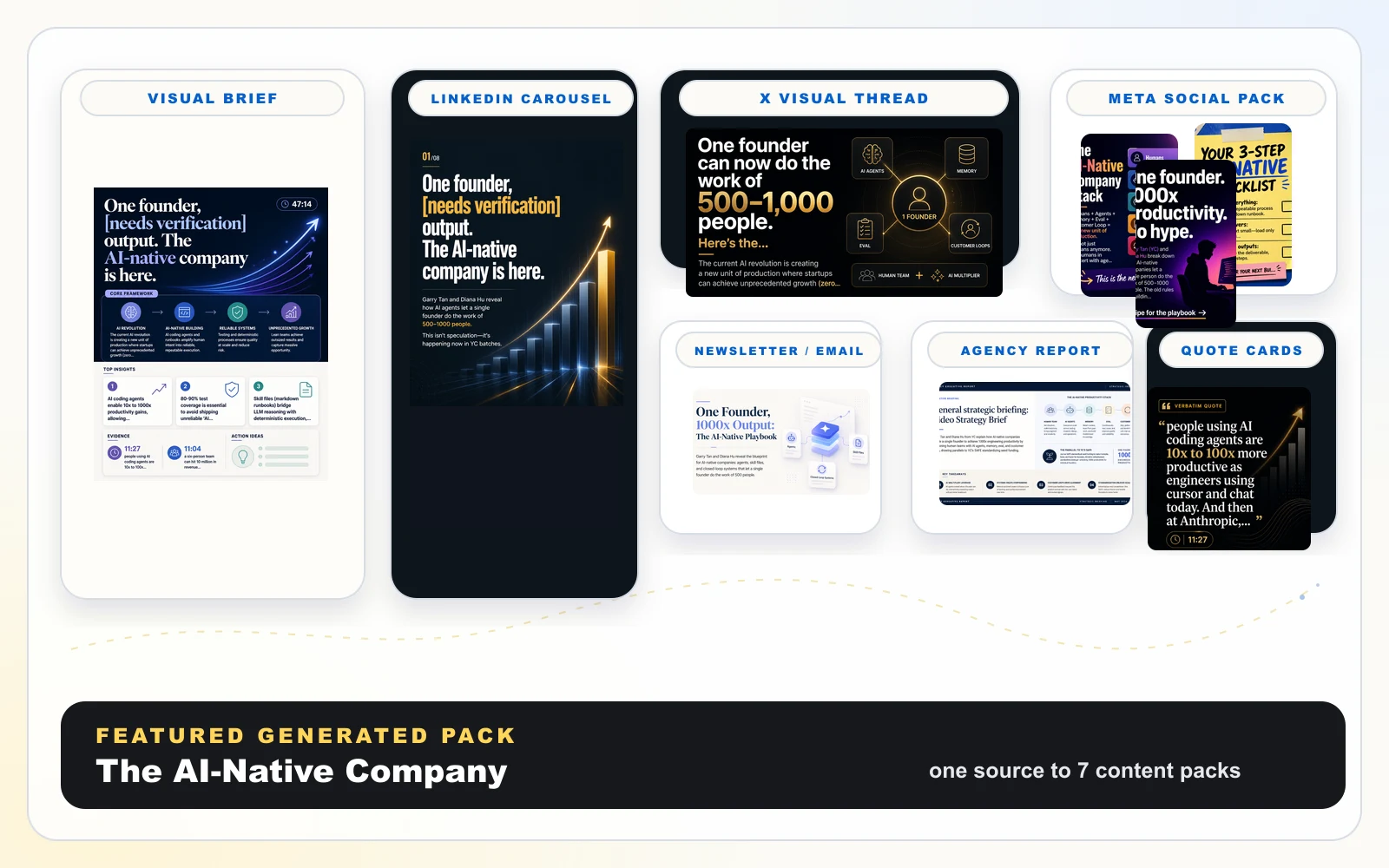
Featured Example
See one source become a complete content pack.
Preview what a complete generated pack looks like before you create your own.
Pricing
Start free. Upgrade when content becomes a workflow.
Early access pricing may change as new export formats and team features are added.
Free
$0Best for trying your first content pack.
- 3 content packs
- Watermarked visuals
- Basic downloads
- Source evidence preview
Early Creator
$29Best for solo creators and newsletter writers.
- 10 premium content packs
- No watermark
- Carousel PDF + PNG
- Newsletter HTML + Markdown
- Quote cards
- Download all assets
Creator Pro
$89/moBest for agencies and content teams.
- 50 content packs / month
- Agency reports
- Public share pages
- Multi-source packs
- Priority visual generation
- Client-ready exports